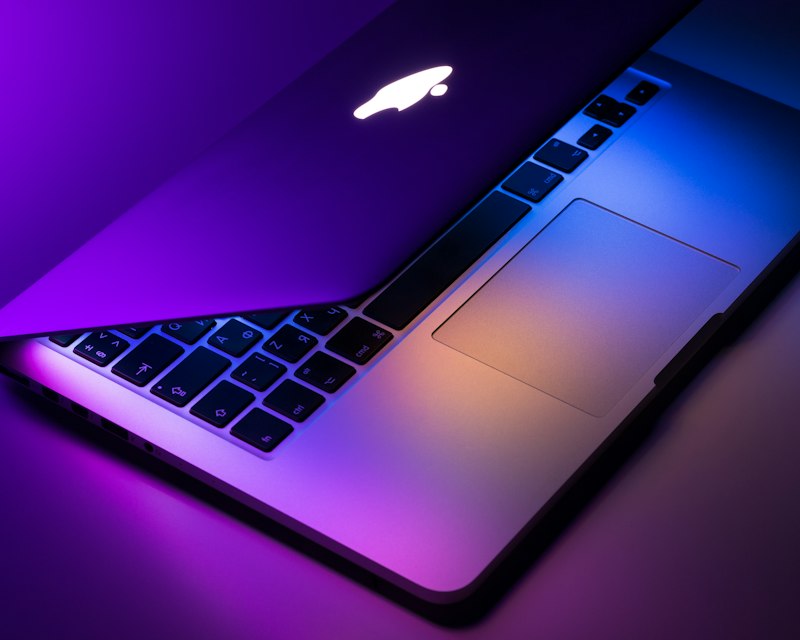
Experiencing the spinning beach ball on your MacBook Pro? Here are common causes and solutions.
1. Check and Update macOS 2. Free Up Storage Space 3. Run Disk Utility First Aid 4. Reset SMC and NVRAM 5. Check for Malware 6. Monitor System Resources (Activity Monitor) 7. Consider Hardware Upgrades (RAM/SSD)
If the issue persists, seek professional assistance.